
Developer
Bit Flip
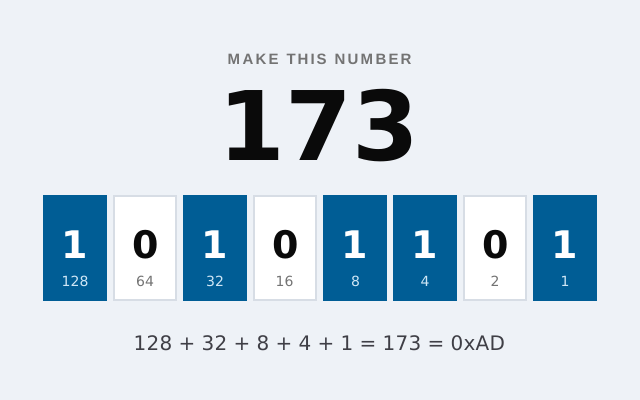
Flip bits to build each number in binary. How many can you make in 60 seconds?
- Keyboard
- Touch
A typing test for programmers: type real JavaScript, Python, Rust and SQL code against the clock.
function debounce(fn, wait) { let timer; return (...args) => { clearTimeout(timer); timer = setTimeout(() => fn(...args), wait); }; }
Paused. Click or tap the code to keep typing.
Type real code as fast and accurately as you can.
Type the code exactly, pressing Enter at the end of each line (↵). Indentation is filled in for you. A wrong key does not move on until you press the right one. Press Esc to pause.
Ordinary typing tests use plain sentences, but code is full of brackets, operators, underscores and quotes that slow everyone down. Code Typer measures how fast you type what programmers actually write.
Pick a language and type a short snippet exactly as shown. There are 23 snippets written for the game, from a debounce function in JavaScript to a join in SQL. Your speed is shown in words per minute along with your accuracy.
| Type | Any key; Enter for a new line |
|---|---|
| Pause | Esc, or click away; click the code to carry on |
| New snippet | N (when not typing), or the New snippet button |
| Sound on or off | M (when not typing) |
| Type | Tap the code to open your keyboard |
|---|---|
| New snippet | The New snippet button |
Speed is in words per minute (WPM), with every five characters counting as one word, the usual convention for typing tests. Only characters you type count: the indentation filled in after each Enter does not.
The clock runs from your first key to your last, and stops while the code is not focused or the tab is hidden, so stepping away does not cost you.
Accuracy is the share of your key presses that were right. Because a wrong key never moves the cursor, every snippet ends with the code typed exactly; misses only lower your accuracy and cost time.
Spaces typed at the start of a line are ignored, not counted as misses, since the indentation is already there.
Your best speed and the number of snippets you have finished in each language are saved in this browser on this device.
On a phone, tap the code to bring up your keyboard. Curly quotes from phone keyboards are accepted as straight quotes. With a screen reader, the code is read out as the description of the typing box.
Code is slower to type than prose because of its symbols. Many developers type code at 30 to 60 WPM; much above that is fast. Accuracy matters more than raw speed.
Brackets, operators and capital letters need Shift or reaching for the number row, and code has few common words that your fingers already know.
No. After each Enter the next line’s indentation is filled in, as most code editors do. If you type spaces there anyway, they are ignored.
Developer
Flip bits to build each number in binary. How many can you make in 60 seconds?
Developer
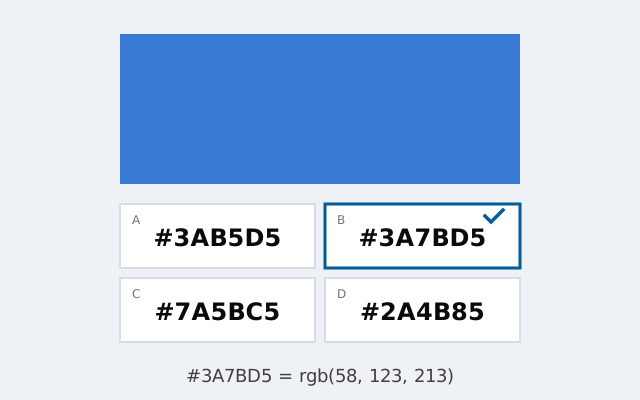
Can you read a hex colour code? Match 10 colours to their codes, and codes to their colours.
Puzzle
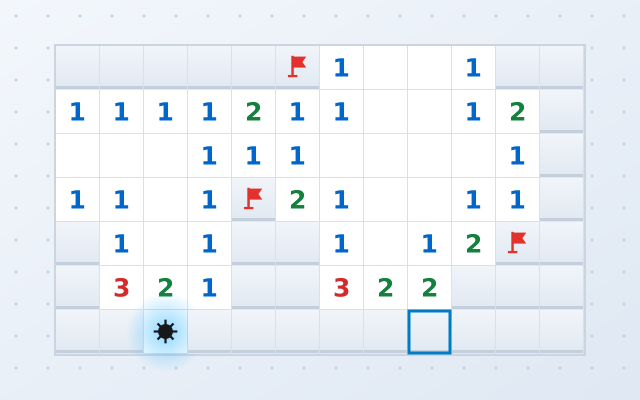
Clear the minefield using the numbers as clues. Three levels, flags, chording and a first click that is always safe.