
Strategy
Minesweeper patterns: how to read the numbers
The handful of number patterns that solve most Minesweeper boards, why each one works, and what to do when logic runs out.
5 min read
Clear the minefield using the numbers as clues. Three levels, flags, chording and a first click that is always safe.
The board is hidden and the clock is stopped.
Right-click to flag. Click a number to open around it.Long-press to flag. Tap a number to open around it.
Move between squares with the arrow keys. Enter or Space reveals a square, or opens around a number whose mines are flagged. F flags a square. N starts a new game and P pauses.
Minesweeper is a logic puzzle played on a grid of covered squares. Some squares hide mines. Uncover every square that is safe without touching a mine, and the board is cleared.
Each square you open shows how many of the eight squares around it hide a mine. Read those numbers together and you can work out where every mine is. This version runs in your browser on desktop and mobile, with three classic board sizes and your best times saved on your device.
| Reveal a square | Left-click, or Enter or Space on the focused square |
|---|---|
| Flag or unflag | Right-click, or F on the focused square |
| Open around a number | Click the number (or middle-click), or Enter |
| Move between squares | Arrow keys, Home and End |
| New game | N |
| Pause and resume | P (Esc also pauses) |
| Sound on or off | M |
| Reveal a square | Tap it (with the Dig tool selected) |
|---|---|
| Flag or unflag | Long-press, or tap with the Flag tool selected |
| Open around a number | Tap the number |
| Scroll a wide board | Swipe across it |
An opened square shows how many mines touch it, counting all eight neighbours including diagonals. A blank square touches no mines, so its neighbours open automatically, which is why one click can open a large area.
Mines are placed after your first click, never on the square you chose or the eight around it. Your first click therefore always opens an area rather than a single number.
Flags are notes for yourself and are never checked while you play. The Mines counter shows the total number of mines minus the flags you have placed. Clicking an opened number whose flag count matches it opens all its other neighbours; if one of those flags is wrong, that opens a mine.
Beginner is 9 × 9 with 10 mines, Intermediate is 16 × 16 with 40 mines and Expert is 30 × 16 with 99 mines. On a tall, narrow phone screen Expert is turned upright to 16 × 30, with the same number of squares and mines.
You win when every square without a mine is open; you do not need to flag the mines. Opening a mine loses, and the board then shows every mine and any flag that was wrong.
The clock starts with your first click and stops while the game is paused, when the board is hidden. Your best time, games won and games played for each level are saved in this browser.
Yes. Mines are placed only after your first click, and never on that square or the eight squares around it, so the first click always opens an area.
No. Boards are random, like classic Minesweeper, so some positions come down to a guess, most often near the end of an Expert game. The game never changes the mines after your first click.
Clicking or tapping an opened number whose mines you have all flagged opens every other square around it at once. It is the fastest way to clear safe squares.
Long-press the square, or switch the tool under the board from Dig to Flag so that a tap places a flag.
Your best time, wins and games played for each level are stored in this browser on this device. They are not uploaded, and there is no online leaderboard.
Strategy
The handful of number patterns that solve most Minesweeper boards, why each one works, and what to do when logic runs out.
5 min read
How to play
The rules of Star Battle and the logical steps that solve it, from small regions to counting regions across several rows.
3 min read
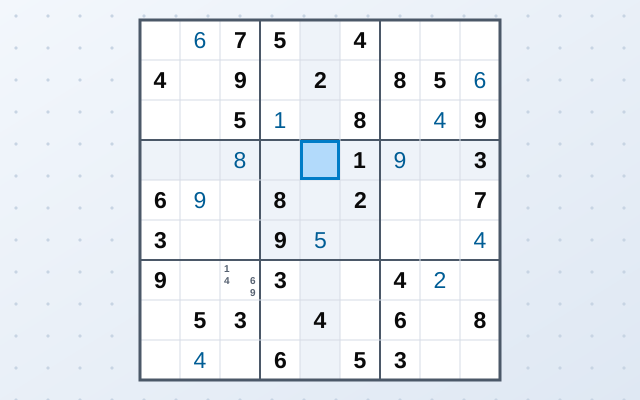
Puzzle
Fill the grid so every row, column and box holds 1 to 9. Four levels, pencil notes, hints and your progress saved as you go.
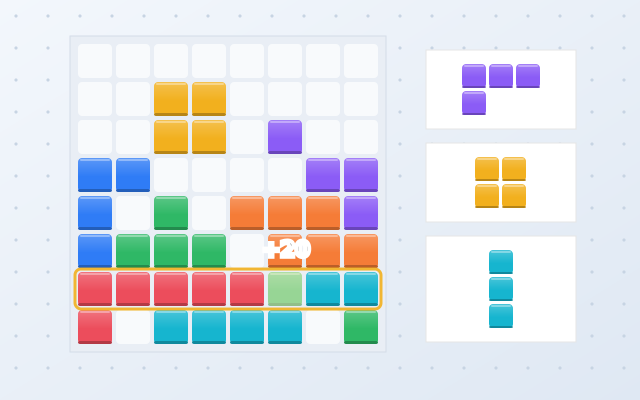
Puzzle
Drag blocks onto the grid and complete rows and columns to clear them. Chain clears into streaks and keep the board open as long as you can.