
io
Blob Arena
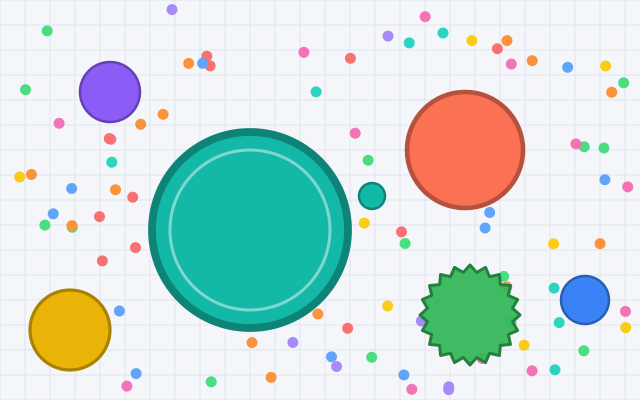
Start as a tiny blob in a big arena: eat pellets, swallow smaller rivals, split to lunge at prey and dodge anything bigger than you.
- Keyboard
- Touch
A sumo-style io game: collect sparks to get heavier, ram computer rivals off a round ring, and brace when they come for you.
Your puck rolls toward the mouse pointer: the further away the pointer, the faster it goes. You can also move with the arrow keys or W, A, S and D. Click or press Space to dash the way you are heading; a dash hits much harder. Press E to brace: for a moment you are far harder to push, but you can barely move. Both recharge after each use. If the centre of your puck goes over the edge of the ring, you are out. P pauses and resumes. M turns sound on or off. F switches full screen. On a touch screen, drag anywhere on the arena to steer, and use the Dash and Brace buttons.
Ring Out is an io-style pushing game on a big round ring floating in space. Every player is a heavy disc that rolls, bounces and rams. Collect golden sparks to get heavier, because heavier discs are harder to move, then push your computer rivals over the striped edge before they push you.
A dash turns you into a battering ram, and bracing plants you on the spot so a charge just bounces off. It is single-player and runs in your browser on desktop and mobile.
| Steer | Move the mouse, or hold the arrow keys or W, A, S, D |
|---|---|
| Dash | Click or Space |
| Brace | E |
| Start or play again | Enter or Space |
| Pause and resume | P (Esc also pauses) |
| Full screen | F |
| Sound on or off | M |
| Steer | Drag anywhere on the arena, like a joystick |
|---|---|
| Dash | Dash button in the bottom corner; it counts down while it recharges |
| Brace | Brace button next to it |
| Pause and resume | Pause button in the top corner |
You start at a weight of 12. Sparks add 1 each and appear somewhere else as soon as they are collected. Heavier discs are bigger, slower to speed up and harder to push.
Discs above 160 weight slowly lose some (0.4% a second), so no one grows forever.
Discs bounce off each other, and the lighter one always moves more. Hitting someone head-on at speed sends them flying; a glancing blow only nudges them.
A disc is out as soon as its centre crosses the edge of the ring. If someone pushed it hard in the 4 seconds before, they get the knock-out and half its weight.
Rivals leave a newcomer alone for its first 4 seconds, so you have a moment to get your bearings.
A dash launches you forward the way you are heading, and for a moment every collision hits much harder. It recharges in 2.4 seconds.
Bracing makes you count 4 times heavier in collisions for 1.1 seconds, but you can barely move while you do. It recharges in 5 seconds. A dash ends a brace.
Every other disc is controlled by the computer and marked AI on the arena leaderboard. Chill has 8 rivals that mostly collect sparks. Normal has 11 that line up behind lighter discs and push them toward the edge. Fierce has 14 that dash and brace far more often.
A rival that falls is replaced by a newcomer a few seconds later, so the ring never empties.
Your result is the heaviest you got during the round. The best result for each rival level is saved in this browser.
No. Ring Out is single-player. Every other disc is a computer-controlled rival, marked AI on the leaderboard, and nothing is sent over the network while you play.
Yes. It is free to play in your browser with no account, download or payment.
It was probably bracing: a bracing disc counts four times heavier for a moment and shows a grey ring. Wait for the ring to fade, then push.
Whoever last hit it hard, as long as that was within 4 seconds. A disc that rolls off by itself gives no one the credit.
Yes. Drag anywhere on the arena to steer, and use the Dash and Brace buttons. The game pauses automatically if you switch apps or tabs.
io
Start as a tiny blob in a big arena: eat pellets, swallow smaller rivals, split to lunge at prey and dodge anything bigger than you.
io
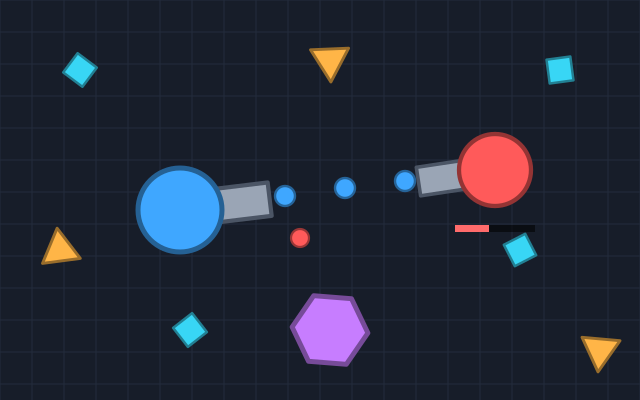
Drive a tank around an arena, shoot crystals for XP, level up, pick upgrades and a turret, and outgun computer rivals.
Arcade
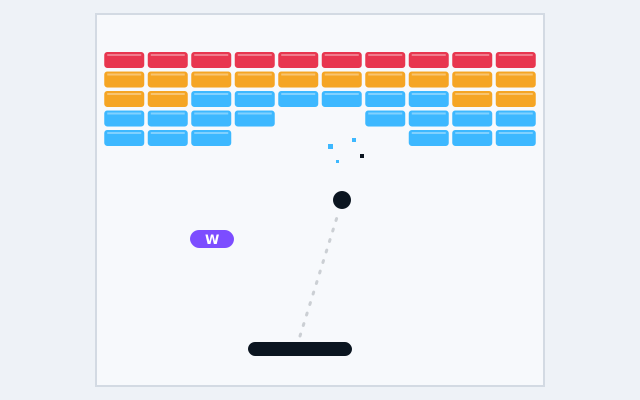
Bounce the ball off your paddle to smash every brick, across 10 hand-made levels with power-ups to catch.