
Developer skills
Git branching explained: commit, merge, rebase and reset
What a branch actually is, what HEAD points to, and what merge, rebase, cherry-pick and reset do to the commit graph.
4 min read
Learn git branching by doing it: type real git commands until your commit graph matches the goal. 12 levels, from commit to rebase.
Make two commits on main.
git commit records a snapshot. Its parent is the commit HEAD is on, and the branch you are on moves forward to it.
Loading the terminal…
Make your repository look like the goal.
One solution:
Commits are circles; a dashed circle is a copy made by rebase or cherry-pick. Branch names sit under the commit they point to, and the filled one is the branch you are on. Only commits that change something count, and undo takes one back.
Git is easy to use and hard to picture. Most people learn a handful of commands by heart and hope nothing goes wrong. Git Tangle shows you what each command does to the commit graph, so branches, merges and rebases stop being a mystery.
Each of the 12 levels shows your repository next to a goal. Type git commands in the terminal and watch your graph change. When the two match, the level is solved. The commands are the real ones, with the same names and options you use at work.
| Run a command | Type it and press Enter |
|---|---|
| Earlier commands | Up and Down arrows in the terminal |
| Next level, once solved | Enter on an empty line |
| Undo the last command | Type undo, or press Undo |
| Sound on or off | M (outside the terminal) |
| Start a command | Tap a command chip, then finish typing |
|---|---|
| Run it | Tap Run |
| Undo, reset or next level | Tap the buttons under the terminal |
git commit, branch (with -d, -D and -f), checkout (with -b), switch (with -c and --detach), merge (with --no-ff and --ff-only), rebase, cherry-pick, reset (with --hard, --soft or --mixed), log and status. Refs work as in git: a branch name, a commit such as C2, or HEAD, followed by ~n to go back n commits or ^n for a merge’s nth parent.
There are no files, so nothing ever conflicts and --hard makes no difference. Interactive rebase, revert, stash and remotes are not part of these puzzles.
Each circle is a commit and each line joins a commit to its parent, older on the left. Branch names sit under the commit they point to; the filled name is the branch you are on, and HEAD marks the commit you are on. A dashed circle is a copy made by rebase or cherry-pick, labelled with a prime: C2′ is a copy of C2.
Commits that no branch can reach any more are not drawn, as if git had cleaned them up. You can still name them, as in git.
Your repository must have the same branches as the goal, each pointing at a commit in the same place. The level’s own commits must match exactly; commits you make with git commit, and copies, only need to be in the right places, so any sequence of commands that builds the same history counts. Which branch you finish on does not matter.
The fewest commands you used for each level is saved in this browser. If you show the solution first, that level is not recorded on this visit.
Developer skills
What a branch actually is, what HEAD points to, and what merge, rebase, cherry-pick and reset do to the commit graph.
4 min read
Developer
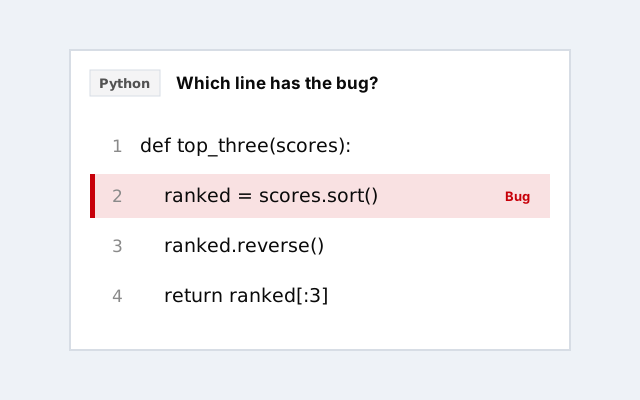
Spot the buggy line in short JavaScript, Python and SQL snippets. 8 a round, with the cause and the fix after each.
Developer
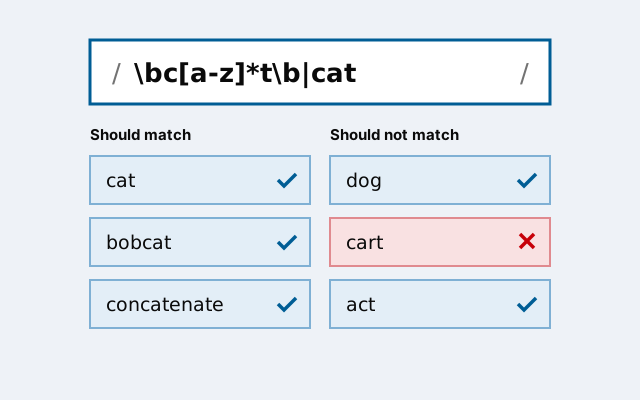
Write a regular expression that matches every string on one list and none on the other. 24 puzzles, from anchors to lookarounds.
Developer
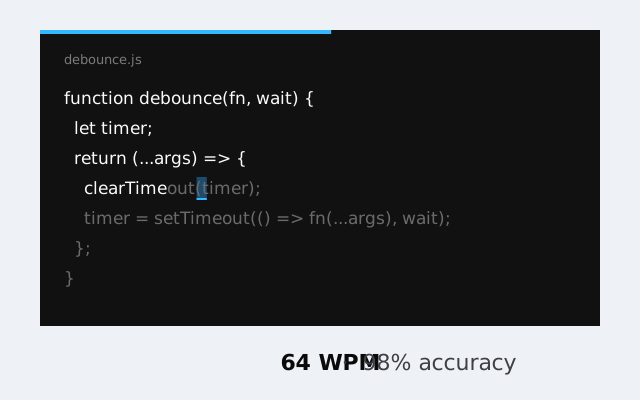
A typing test for programmers: type real JavaScript, Python, Rust and SQL code against the clock.